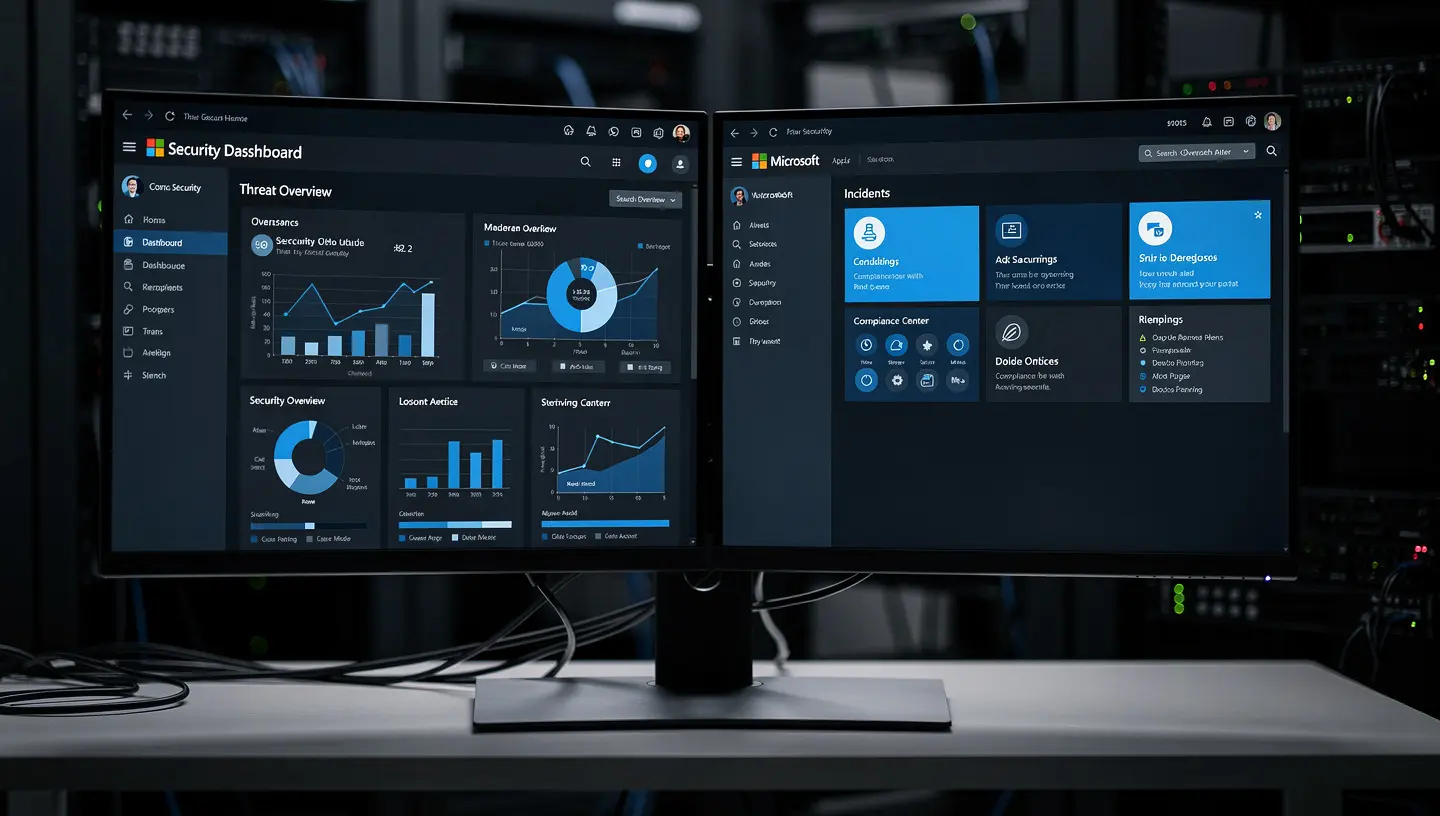
Microsoft Defender for Business and Microsoft Defender for Endpoint are two separate products with different licensing models, feature sets, and target audiences. Defender for Business is built for companies with fewer than 300 users and is bundled into Microsoft 365 Business Premium. Defender for Endpoint is an enterprise-grade platform sold standalone, with two tiers (Plan 1 and Plan 2) and a significantly broader feature set. Picking the wrong one either leaves you overpaying or underprotected.
What Is Microsoft Defender for Business?
Defender for Business is Microsoft’s SMB-focused endpoint security product. It launched in 2022 and was positioned specifically for organizations that don’t have a dedicated security operations team — which describes most small businesses accurately.
It’s included in Microsoft 365 Business Premium (no extra cost at that license level) or available as a standalone add-on at around $3/user/month. The setup experience is simplified — a wizard-driven onboarding, simplified policy management, and a single-pane dashboard that doesn’t require a security analyst to interpret.
Core capabilities:
- Next-generation antivirus (cloud-delivered, behavior-based)
- Attack surface reduction rules
- Endpoint detection and response (EDR) — simplified view
- Automated investigation and remediation
- Vulnerability management (basic)
- Cross-platform support: Windows, macOS, iOS, Android
The key design decision Microsoft made with Defender for Business is simplification over depth. The alerts are consolidated, the policy options are reduced, and the remediation is largely automated. That’s intentional — it’s built for an IT generalist or MSP managing 50 users, not a SOC analyst working a security queue.
Hard limit: 300 seats. If your organization grows past that, Microsoft requires you to move to Defender for Endpoint.
What Is Microsoft Defender for Endpoint?
Defender for Endpoint is the enterprise product — and it predates Defender for Business by years. It comes in two tiers:
Plan 1 (P1) — included in Microsoft 365 E3, A3, and F3 (and available standalone):
- Next-gen antivirus
- Attack surface reduction
- Manual response actions
- Basic EDR capabilities
- No automated investigation
Plan 2 (P2) — included in Microsoft 365 E5 and available standalone at ~$5.20/user/month:
- Everything in P1
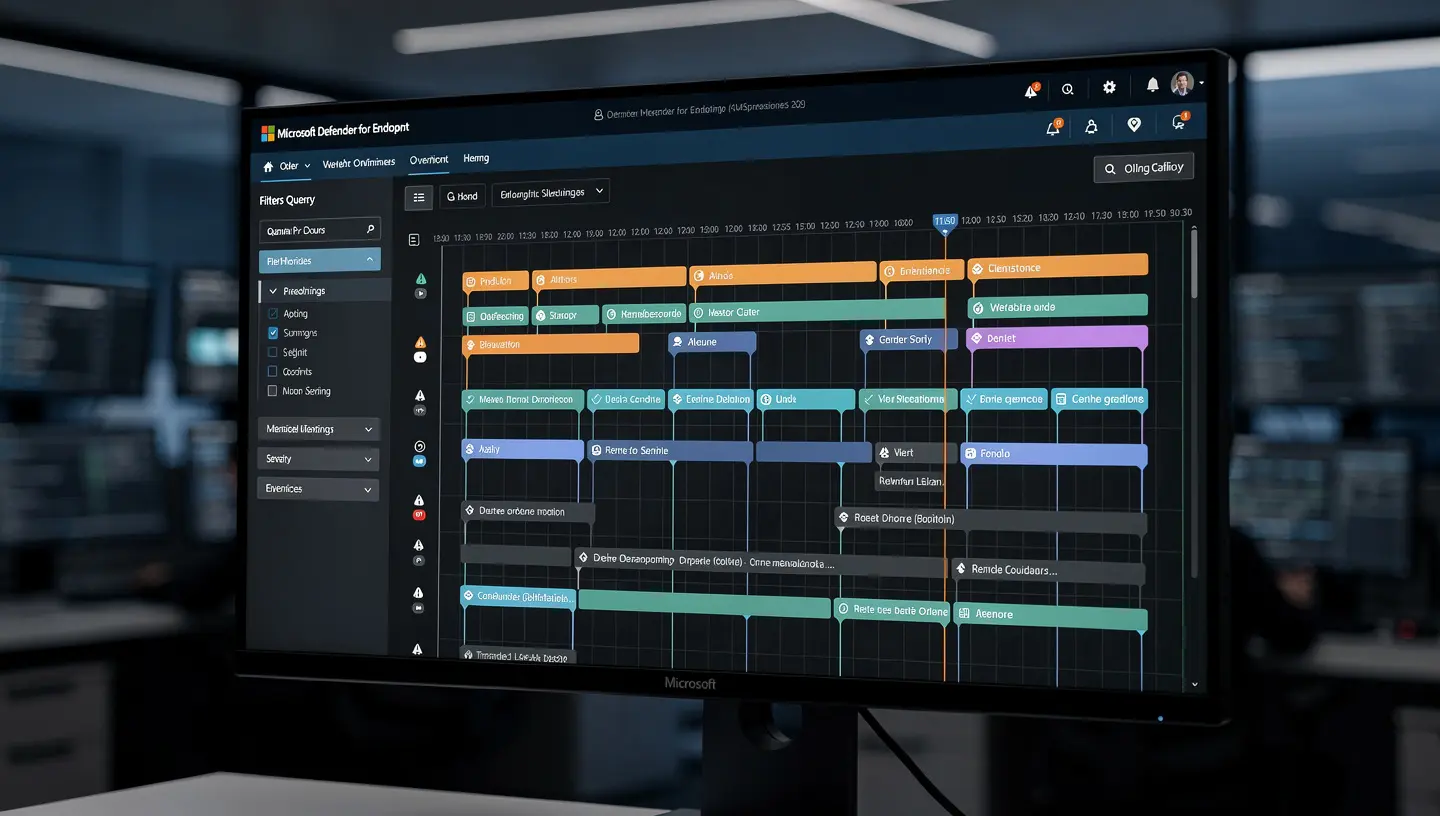
- Full EDR with rich timeline and threat hunting
- Automated investigation and remediation (AIR)
- Microsoft Threat Experts access
- Advanced threat analytics
- 6-month data retention for hunting
- Vulnerability management (full Defender Vulnerability Management suite)
- Device discovery and network assessment
The audience here is organizations with a security team, an MSSP, or enough compliance requirements that they need audit trails, custom detection rules, and deep forensic capability.
Side-by-Side Comparison
| Feature | Defender for Business | Defender for Endpoint P1 | Defender for Endpoint P2 |
|---|---|---|---|
| Max seats | 300 | Unlimited | Unlimited |
| Next-gen AV | ✓ | ✓ | ✓ |
| Attack surface reduction | ✓ | ✓ | ✓ |
| EDR | Simplified | Basic | Full |
| Automated investigation | ✓ | ✗ | ✓ |
| Threat hunting | ✗ | ✗ | ✓ |
| Vulnerability management | Basic | ✗ | Full |
| Custom detection rules | ✗ | ✗ | ✓ |
| Included in | M365 Business Premium | M365 E3 | M365 E5 |
| Standalone price (approx) | ~$3/user/mo | ~$2/user/mo | ~$5.20/user/mo |
Which One Does Your Business Actually Need?
Under 300 users, no dedicated security team → Defender for Business
If you’re a dental practice, law firm, accounting office, or general SMB running Microsoft 365 Business Premium, you already have Defender for Business included. The automated remediation, simplified EDR, and built-in vulnerability scanning covers the threat profile that realistically targets your organization — phishing, ransomware, credential theft, malicious macros.
You don’t need threat hunting. You need threats stopped automatically before someone has to respond manually.
Under 300 users, regulated industry with compliance requirements → evaluate P2
If you’re subject to HIPAA, PCI DSS, or SOC 2 and your auditors or cyber insurance carrier is asking about EDR logging, data retention, or incident response documentation, Defender for Endpoint P2 gives you the audit trail and retention that Defender for Business doesn’t. This is worth pricing out — especially if you’re already in the Microsoft 365 ecosystem.
Over 300 users, or enterprise licensing already → Defender for Endpoint
At this size you’re likely in E3 or E5 territory, which means you have P1 or P2 already. The question becomes whether you’re actually using it — misconfigured or unmonitored Defender for Endpoint installations are common, and having the license doesn’t mean you have coverage.
A Common Mistake MSPs See
Many small businesses end up with both products accidentally — Defender for Business through their M365 Business Premium licenses, and Defender for Endpoint P1 through an E3 add-on or mixed licensing environment. When both are present on the same tenant, the behavior is unpredictable and Microsoft’s documentation explicitly warns against it.
If you’re managing a mixed M365 environment, check your license assignments in the Microsoft 365 admin center under Billing → Licenses and confirm which Defender product is actually active per device.
You can also verify in the Microsoft Defender portal at security.microsoft.com under Settings → Endpoints → Licenses.
What LineSight Digital Recommends for Bay Area SMBs
For most of our clients — dental offices, legal firms, accounting practices, and professional services companies in the 10–50 employee range — Microsoft 365 Business Premium with Defender for Business fully configured covers the threat landscape effectively. The key word is configured: out-of-the-box Defender for Business has attack surface reduction rules disabled by default, tamper protection off, and onboarding incomplete on half the devices in a typical environment.
If you’re in a regulated vertical and your cyber insurance renewal is asking pointed questions about EDR and incident response, we’ll walk through whether a Defender for Endpoint P2 upgrade makes sense for your specific situation during an IT assessment.

FAQ
Can I mix Defender for Business and Defender for Endpoint in the same tenant? Technically yes, but Microsoft doesn’t support it as a stable configuration. If both products are assigned across your devices, you’ll likely get inconsistent policy enforcement. Stick to one product per tenant.
Does Defender for Business include EDR? Yes, but it’s a simplified version. You get alert visibility and basic remediation actions, but not the full forensic timeline, custom detection rules, or threat hunting capabilities in Defender for Endpoint P2.
Is Defender for Business good enough for HIPAA compliance? It addresses the endpoint protection piece of HIPAA’s technical safeguards, but HIPAA compliance is broader than endpoint security. You also need encryption at rest and in transit, audit logging, access controls, and a Business Associate Agreement with Microsoft. Defender for Business checks some of those boxes — not all.
What’s the difference between Microsoft Defender Antivirus and Defender for Business? Microsoft Defender Antivirus is the built-in AV that comes with Windows. Defender for Business builds on top of it, adding cloud-delivered protection, EDR, automated remediation, and centralized management across all your devices. They’re not the same thing.
Does Defender for Business work on Macs? Yes. Microsoft Defender for Business supports macOS, iOS, and Android in addition to Windows. macOS onboarding requires a configuration profile deployed via Intune or manual installation of the Defender agent.
How do I know which Defender product I currently have? Go to security.microsoft.com → Settings → Endpoints → Licenses. It will show your active Defender license tier. You can also check under Microsoft 365 admin center → Billing → Your products.
Not sure which Defender product you’re actually running — or whether it’s properly configured? That’s one of the first things we check in a free IT assessment. A surprising number of businesses are paying for enterprise security tools that are half-deployed or misconfigured.